See collected and pending fees at a glance
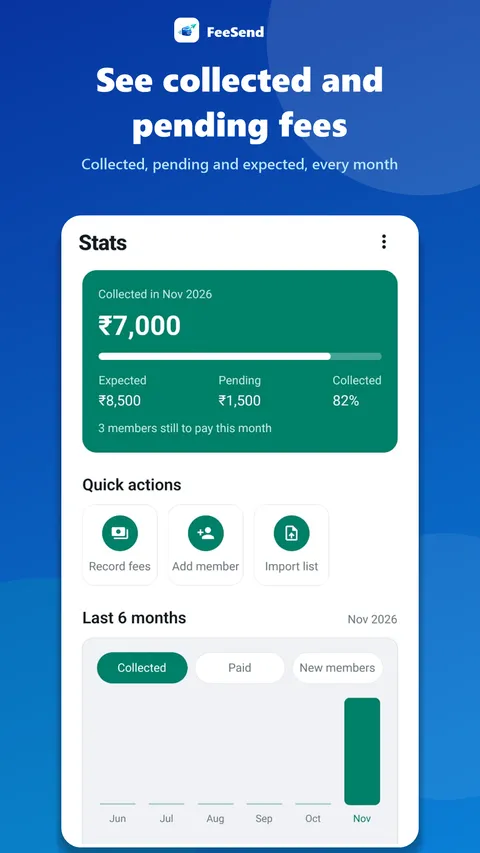
FeeSend stats show how much you have collected this month, how much is still pending, and how your collections change month to month.
How it works
- Open Stats.
- See this month's collected and pending totals.
- Compare with earlier months.
- Pull to refresh for the latest numbers.
Know where you stand
Most owners only find out how a month went when they count cash and check their bank. With FeeSend, the collected and pending numbers are always up to date because they come straight from the fees you mark paid.
What to look at each month
Three numbers tell you how a month went: expected fees, collected fees and pending fees. If pending stays high after the 15th, your reminders need to go out earlier or more consistently. Our free fee collection calculator explains the collection rate in more detail.
Frequently asked questions
Do stats include cash payments?
Yes. Any month you mark as paid is counted, whether the member paid by UPI or cash.
Collect fees on time, from your phone
Add your members, track monthly fees and send ready-made reminders from your own WhatsApp in one tap. 7 days free.